Your Chatbot Is Costing You Money (And You Don't Even Know It)
A poorly trained chatbot doesn't just fail to help — it actively pushes customers toward your competitors. Here are the 6 warning signs.
📋 In this article
The gap between "having a chatbot" and "having a good one"
There's a belief that any chatbot is better than no chatbot. That deploying something — anything — on your website automatically improves customer experience.
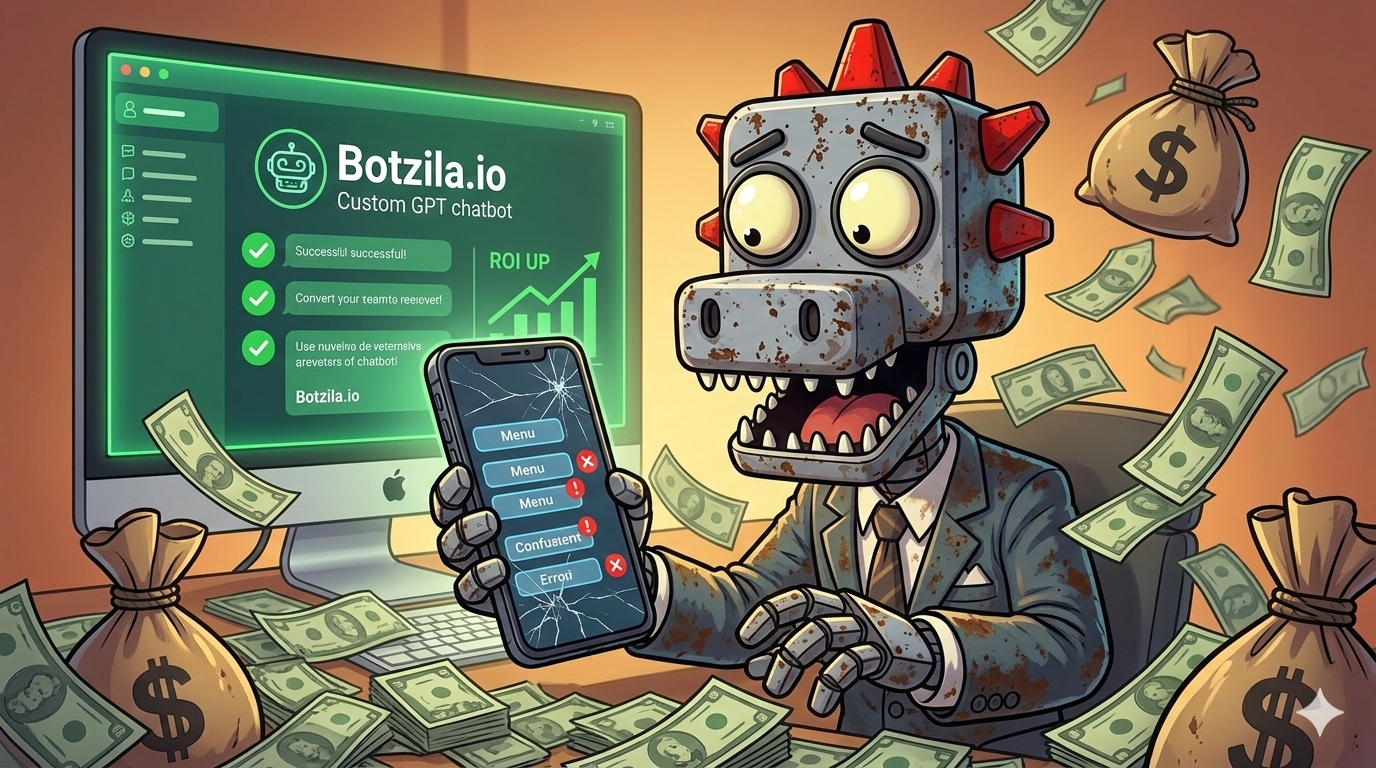
It's not true. A chatbot that gives wrong answers, ignores context, or loops in endless error messages doesn't just fail to help. It actively damages your brand, increases frustration, and drives customers to abandon their purchase or contact your competitor instead.
The uncomfortable truth: According to Forrester Research, 54% of customers who have a bad chatbot experience say it negatively impacts their perception of the brand. That's more than half your chatbot conversations potentially working against you.
6 signs your chatbot is losing you customers
1. It can't answer your most common questions
If your support team gets the same 20 questions every day, your chatbot should be able to answer 18 of them. If customers are still calling or emailing about pricing, shipping times, return policies, or product availability — your chatbot isn't trained on the right information.
2. It gives generic answers unrelated to your business
A chatbot that responds with generic information about an industry topic instead of your specific product or policy isn't just unhelpful — it signals to the customer that you haven't invested in the experience. It feels like an afterthought.
3. Customers repeat themselves
If a user has to rephrase the same question three times, or if the bot keeps asking for information already given in the same conversation, you've lost that customer's trust. Context memory is a baseline requirement, not a premium feature.
4. Your ticket volume hasn't changed
A chatbot that works should deflect tickets. If your support inbox is the same size it was before you deployed the bot, the bot is failing at its primary job. Some companies even see ticket volume increase after deploying a bad chatbot because customers submit a ticket after getting a useless chatbot response.
5. It never escalates appropriately
Two failure modes here: a bot that escalates everything to a human (in which case, why have a bot?) and a bot that never escalates even when it clearly can't help (frustrating the customer who just needs a human). Good chatbots know their limits.
6. Low conversation completion rate
If analytics show users starting conversations and abandoning them mid-way — especially on high-intent pages like pricing or checkout — your chatbot is interrupting the purchase funnel rather than supporting it.
The real cost of a bad chatbot
Let's put numbers to this. Assume your business gets 500 chatbot conversations a month and your average order value is $150:
| Scenario | Resolution Rate | Estimated Monthly Revenue Impact |
|---|---|---|
| Well-trained chatbot | 70% resolved | Positive: deflects tickets, supports sales |
| Poorly trained chatbot | 20% resolved | Neutral at best, net negative if frustration drives abandonment |
| No chatbot | N/A | Missed conversions during off-hours |
The worst position isn't "no chatbot" — it's "bad chatbot." No chatbot means lost off-hours conversions. A bad chatbot means lost conversions AND active damage to your brand perception.
What a well-trained chatbot actually does
- Resolves 60-80% of inquiries without human escalation — covering your top FAQ, product info, pricing, policies, and order status
- Maintains context throughout the conversation — no asking the same question twice
- Speaks with your brand's tone — consistent voice whether formal, friendly, or technical
- Handles ambiguity gracefully — asks one clarifying question instead of throwing an error
- Escalates intelligently — knows when to hand off and does it smoothly
- Works across channels — same quality on your website, WhatsApp, or embedded widget
Is your chatbot working for you or against you?
Build a custom GPT trained on your actual business data. No code required. Start free.
Fix My ChatbotHow to fix it without starting from scratch
The good news: a poorly performing chatbot is usually a training problem, not a technology problem. You don't need to rebuild from zero — you need better inputs.
- Step 1 — Audit your most failed conversations: Review the last 50-100 chatbot conversations. What questions were unanswered? What caused users to abandon? These become your priority training items.
- Step 2 — Improve your knowledge base: Upload or rewrite your FAQ with more detail. Add the actual prices, specific policies, real product names. Specificity is what makes a chatbot useful.
- Step 3 — Tighten the system prompt: Define the chatbot's personality, what it should and shouldn't respond to, and what to say when it doesn't know an answer (hint: not "I don't understand your question").
- Step 4 — Set clear escalation rules: Define which topics should always go to a human and make sure the handoff message is helpful, not a dead end.
- Step 5 — Monitor weekly: Resolution rate and conversation completion are your two north-star metrics. Check them weekly and retrain as your business evolves.
With Botzila, all of this is done without writing code. Upload documents, adjust the prompt, test in real time, and deploy. Most businesses see resolution rate improvement within the first week after retraining.
Frequently Asked Questions
How do I know if my chatbot is losing me customers?
Key signals: high conversation abandonment rate, repeat questions about the same topic (bot failing to resolve), rising support ticket volume despite the chatbot being active, and negative feedback mentioning the chatbot specifically.
What is a good chatbot resolution rate?
A well-trained chatbot should resolve 60-80% of inquiries without escalating to a human agent. If yours is below 40%, the training data or prompt configuration needs work.
How long does it take to improve a chatbot?
With a platform like Botzila, you can update training documents and system prompts in minutes. Most businesses see measurable improvement in resolution rate within the first week after retraining.